Service records

Every visit, with the proof attached.

Open a record to see the arrival photo, the checklist and what happened next. Try the filters and the search.

hoacrew.com/portal/recordsExample data

Today · 84°F, sunny

Yesterday

Earlier this week

Visit · Resort pool

Pool visit

Bluewave Pool Co. · Today 9:02 AM

Photo check-inDone
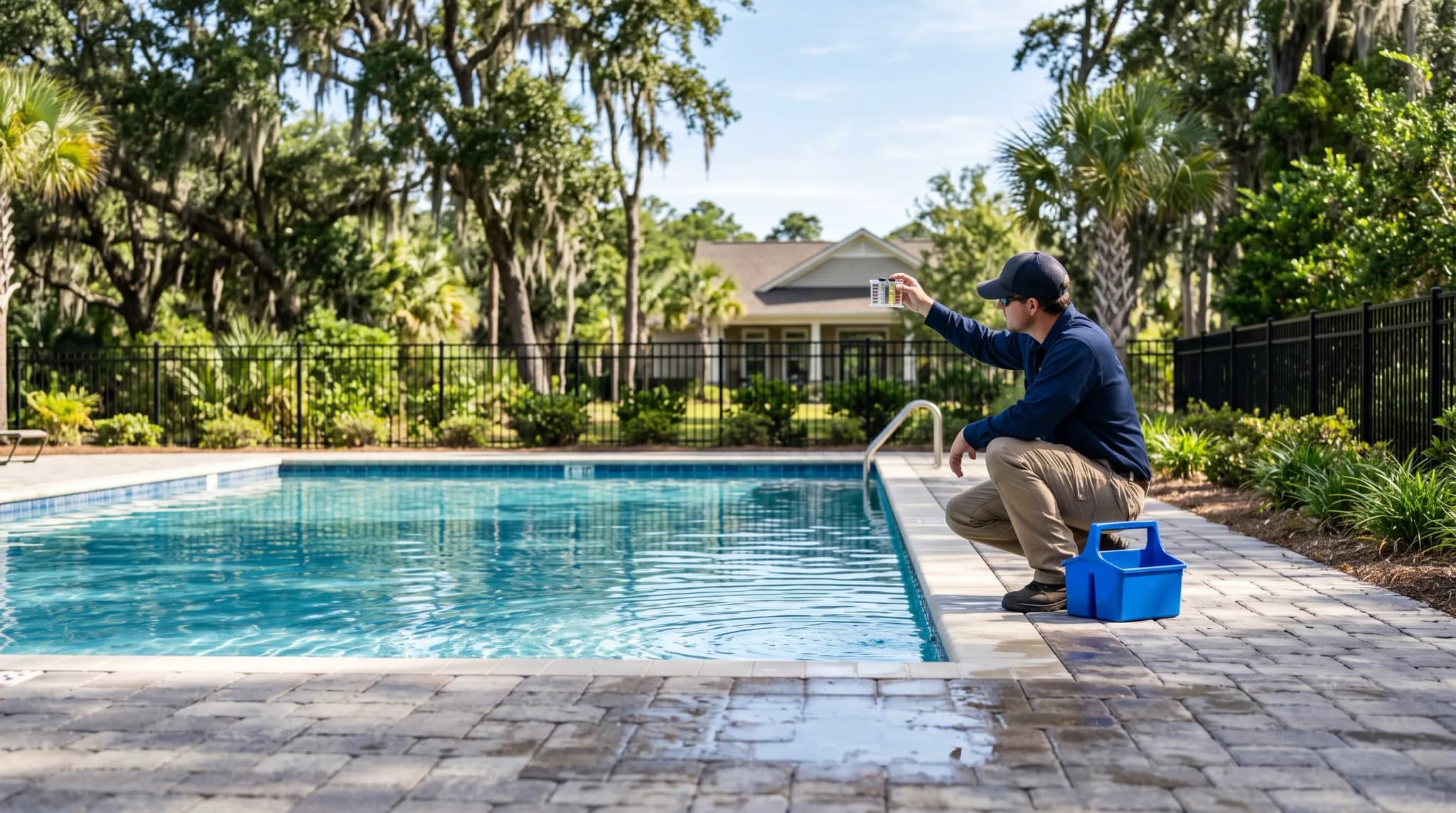
Arrival photo, 9:02 AM

Checklist

  • Passed: Water tested: chlorine 3.0 ppm, pH 7.4
  • Passed: Skimmer baskets emptied
  • Passed: Filter pressure read
  • Passed: Deck and gate checked

Notes

Water clear. Filter pressure is up a little from last week, so we will backwash on Friday.

Follow-up

  1. Checked in9:02 AM
  2. Completed9:48 AM
  3. Sent to the manager9:48 AM

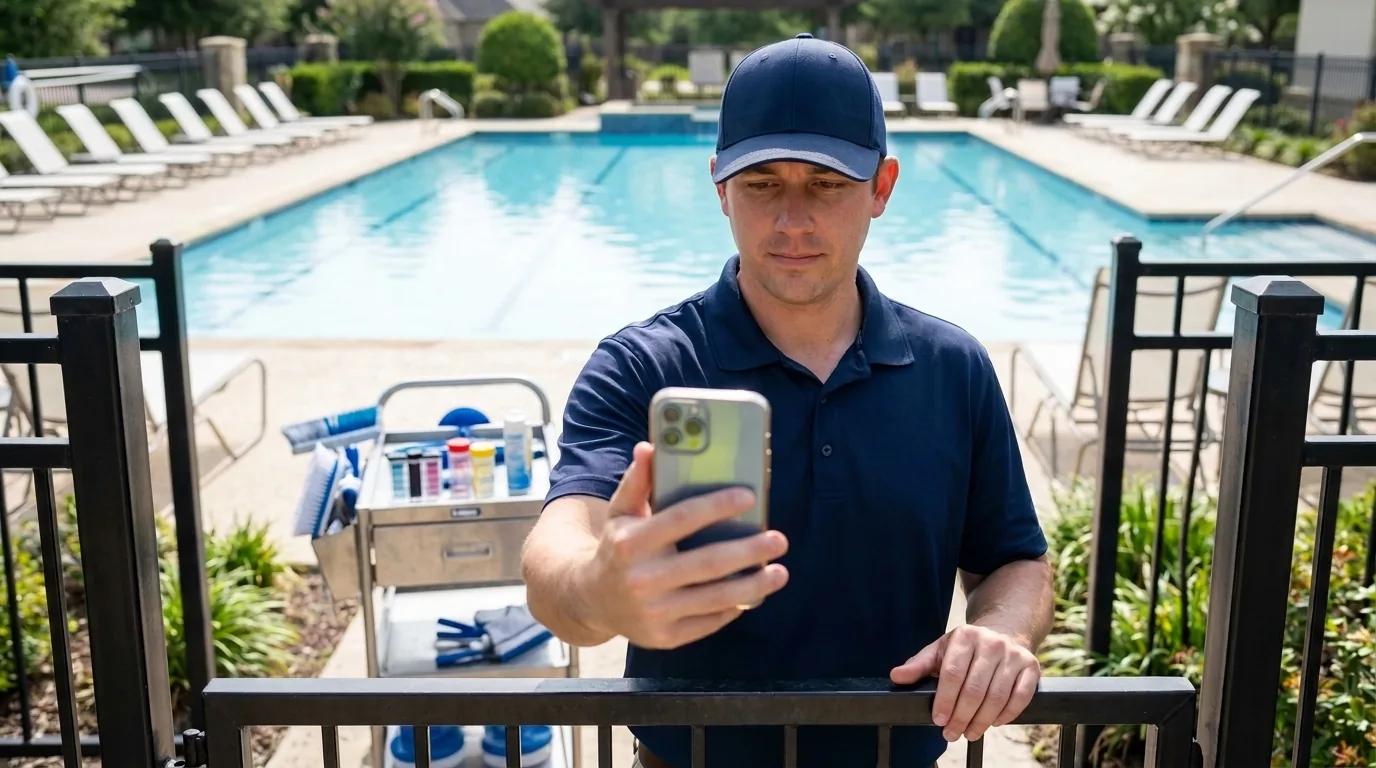
At the gate

The record starts when the crew arrives.

Your vendor checks in with a photo. The time is on the record before any work is.

  • An arrival photo with the time
  • A checklist the vendor fills in on site
  • Notes from the visit, in the vendor’s words
A pool technician in a navy polo and cap at a community pool gate, holding a phone out in front of him with a service cart of test kits behind him.

When something is wrong

A problem gets a follow-up, not a phone call.

A flagged visit goes to your manager with its photo. You can ask about it, and mark it resolved when it is. If you marked a spot on the map, the vendor sees that spot.

  • Reported, sent to the manager, resolved
  • Ask the vendor about any record
  • Download a record as a PDF
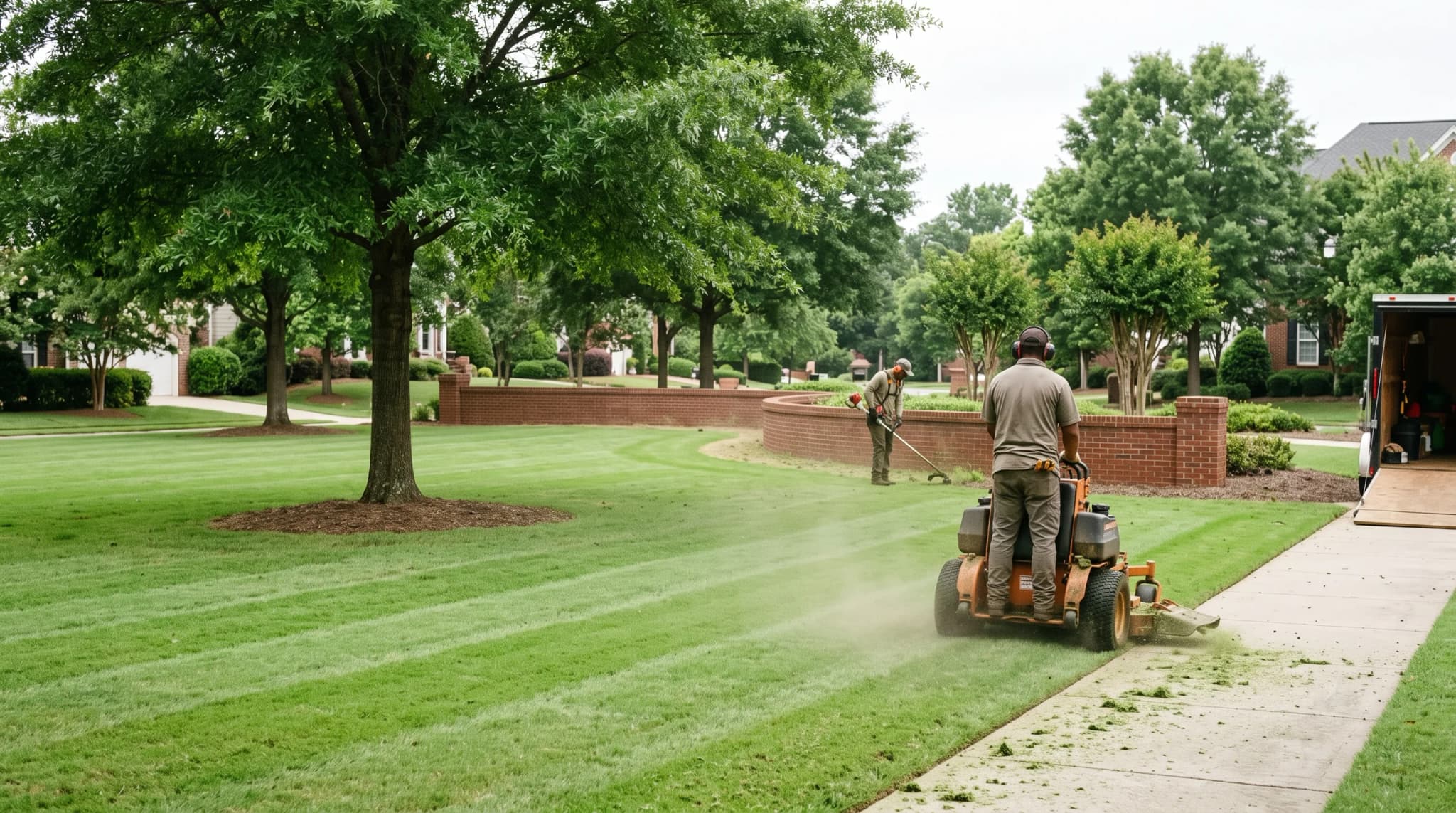
Two landscapers mowing and string-trimming a community common area, backs to camera, work truck and trailer parked behind.

See every visit at your own community.

Start free with one community and read your first record the day a crew checks in.