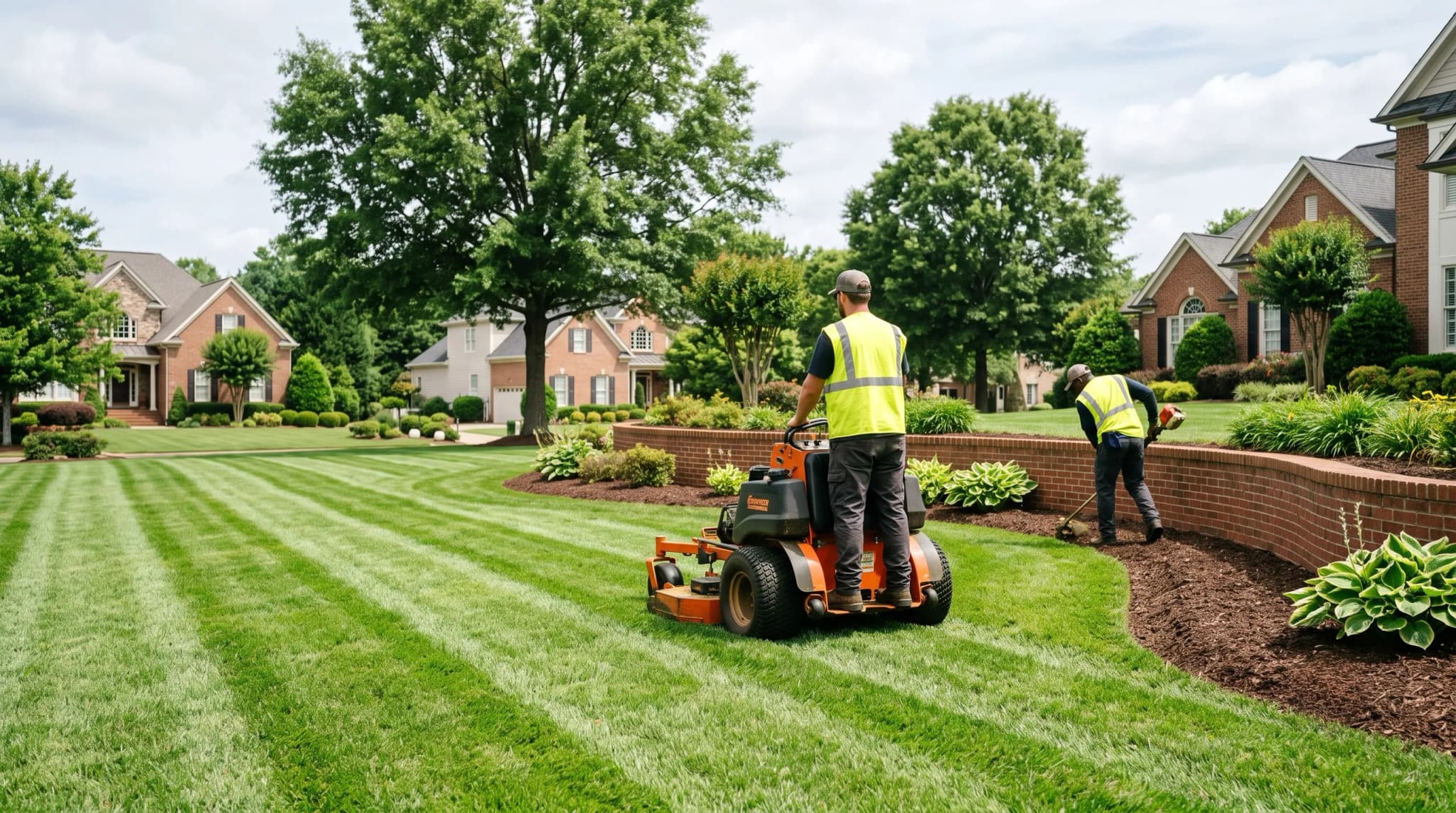
For HOA boards and managers
- One calendar for every trade at your community.
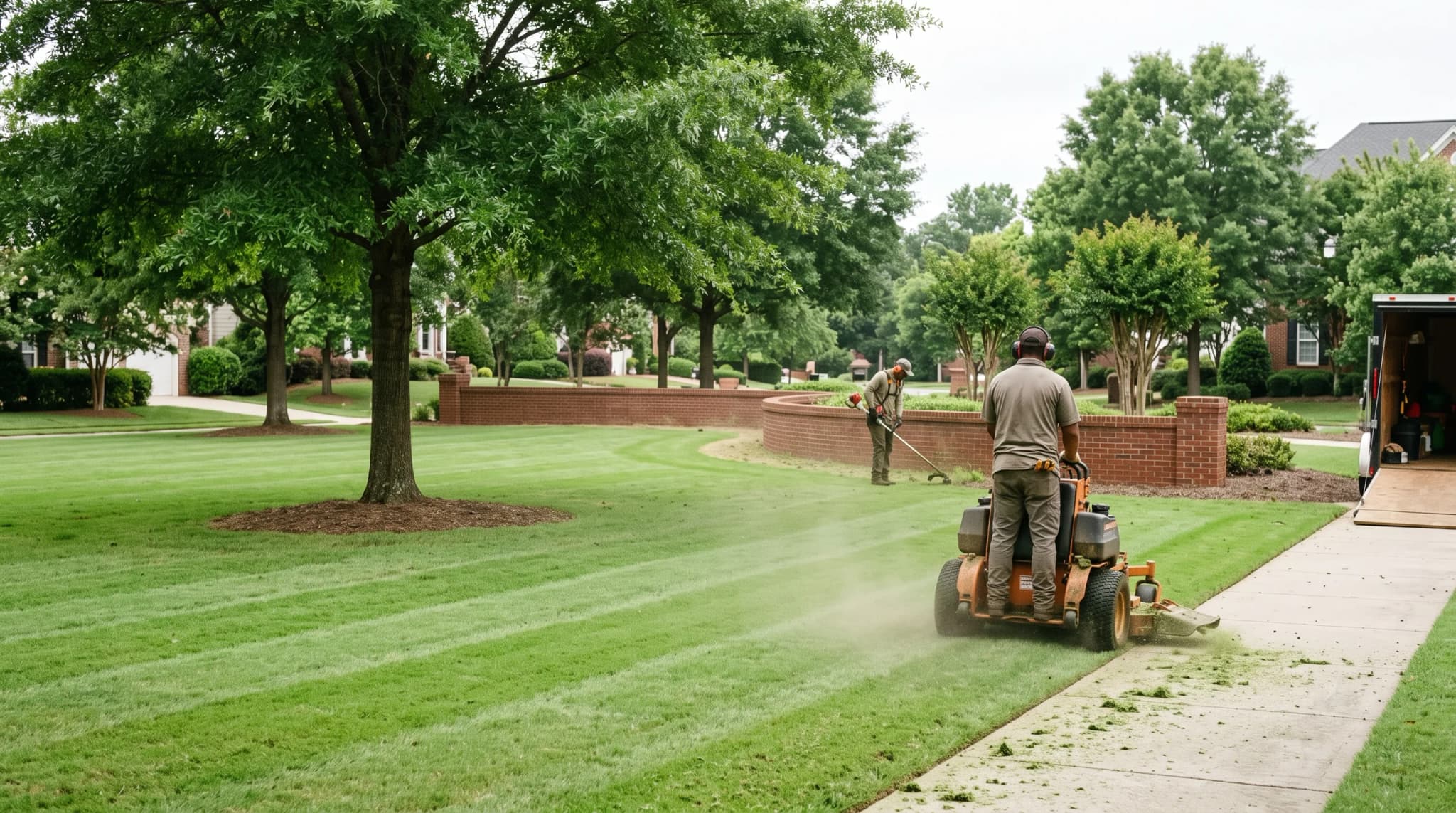
- Vendors check in on site with a photo, so you see who came, when, and what they did.
- See what is due, approve it, and see what is paid.
New Built for HOAs and the vendors who serve them
Every amenity, visit, vendor and invoice for your community, on one screen.


Try it
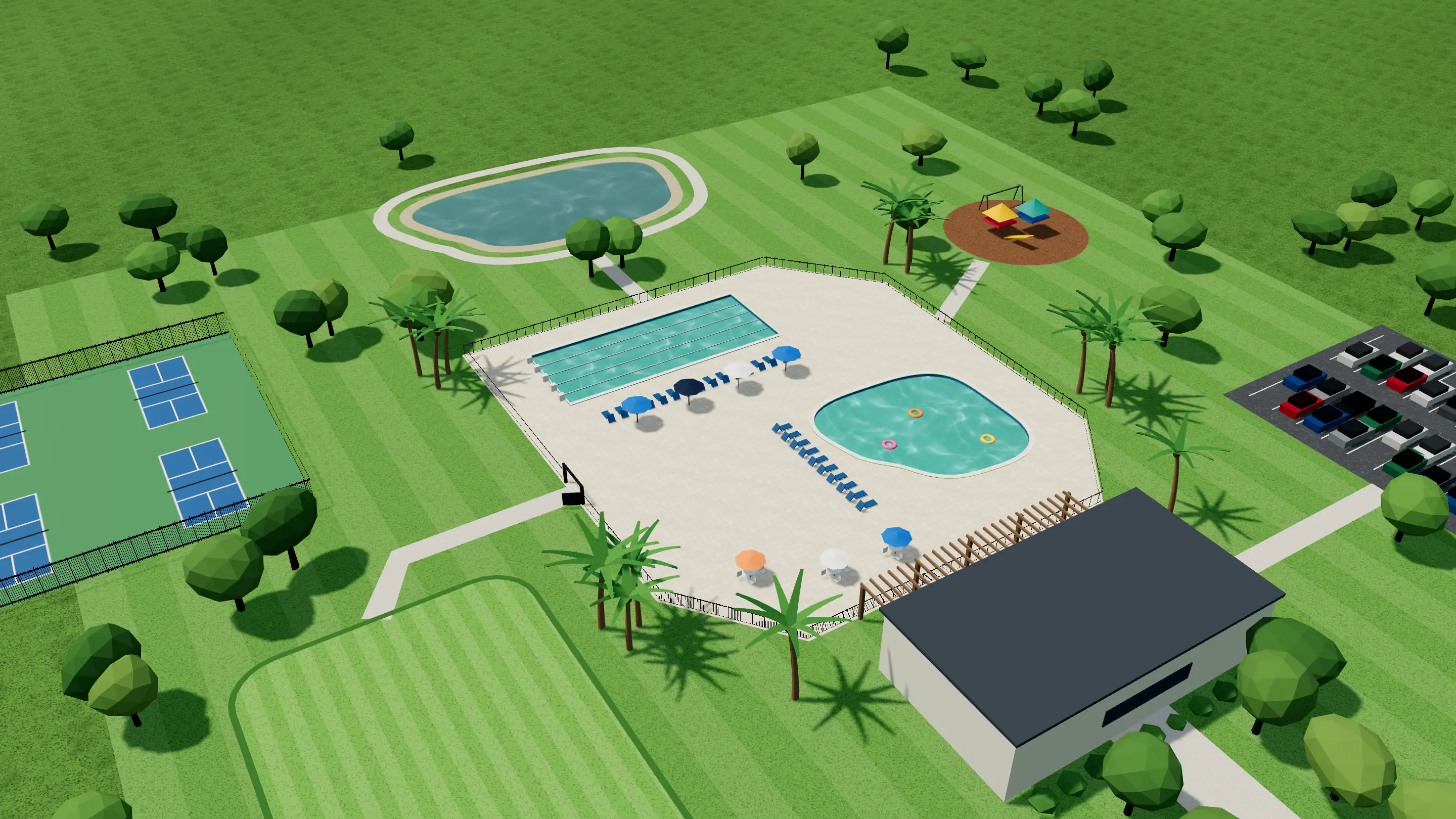
See the work done there and who’s coming this week. This is Willow Creek, a demo community.
Find a vendor
Set your rules once, reach the companies you know and the ones you don’t yet, and let your board decide.

Your requirements
General liability$1M / $2M
Workers’ compStatutory
Auto liability$1M
Additional insuredWillow Creek HOA
Set the insurance a vendor must carry. Only vendors whose documents meet it can propose.
Your request
Your contractors3 invited
Vendors on HOAcrewPool, your area
Send one request to the contractors you know and to vendors on HOAcrew who serve your area.
Proposals
Bluewave Pool Co.Insured
Clearwater PoolsInsured
Sunline AquaticsInsured
Compare proposals side by side, each with its documents already checked.
Board vote
Bluewave Pool Co.3 of 5
Board
Each board member votes from their phone with their own ballot link. The vendor you choose joins your approved vendors. It shows up in your community’s 360 view.
Two sides, one place
Getting started
Name, address and how many homes. VendoRFP is taking on its first customers, and our team reads every application.
Trace your community on a satellite photo and add your pools, clubhouse and courts.
Invite the vendors you use today, or send a request to find new ones.
The trades that come back every week
Questions
Asking for proposals, comparing what comes back and awarding the work costs every community nothing. Vendor plans are on the pricing page.
Set the insurance a vendor must carry. Only vendors whose documents meet it can propose. Compare proposals side by side, each with its documents already checked.
Each board member votes from their phone with their own ballot link. The vendor you choose joins your approved vendors.
Each crew sees today’s stops across every community you serve. See requests from communities near you and propose with your documents already checked.
Tell us about your community: its name, address and how many homes. VendoRFP is taking on its first customers, and our team reads every application. Your account is made when you apply, so your community, your requirements and your first request are yours to write while it is read.
Yes. Invite them to your request; once they've joined, add them to your list. Keep a list of the vendors your community has approved.
Boards, managers and vendors each get their own view of the same work.
Get startedVendoRFP is taking on its first customers, so our team reads every application — and the account is yours to work in from the minute you finish it.