Add the button
It is on the plugin page in your dashboard. Paste it here and every code example on this page carries it.
The plugin page is also where you list the web addresses your form is allowed to appear on, and it will not appear anywhere you have not listed. The overview walks through getting a key.
Every key also has a plain web address that opens the same form as a full page. Put it behind any button, in an email signature, on a Google Business profile, or on a page you cannot add code to.
https://hoacrew.com/embed/w/vrfp_embed_your_key_here
It is the same form, sending to the same place, and requests from it arrive in your dashboard exactly like the ones from the embedded version.
Open the page in the Wix editor
Press Edit Site, then open the page you want the button on. Your Contact page or the foot of a services page are the usual spots.
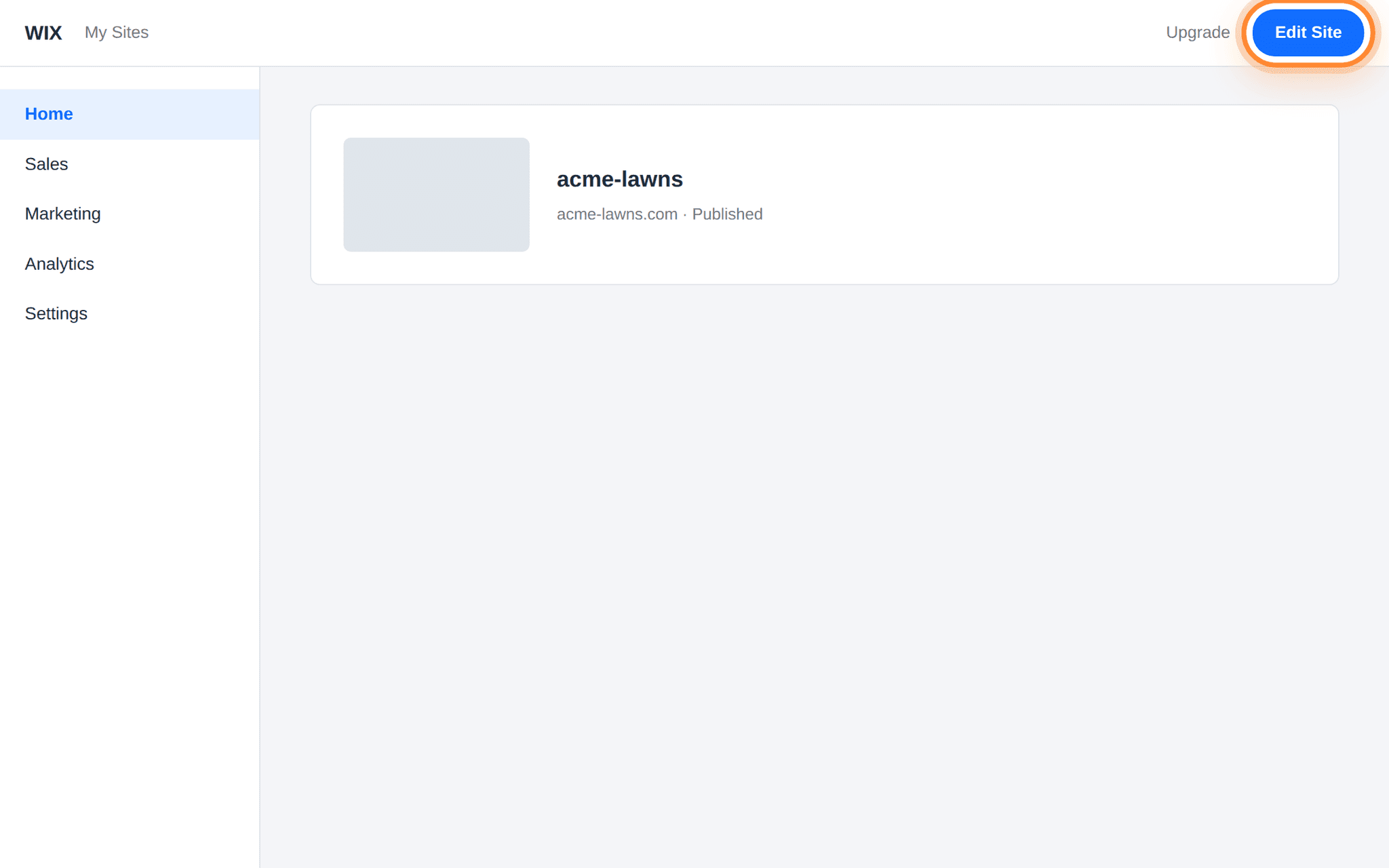
Edit Site is the top right of your site's dashboard, not inside the editor. Add a button
Press Add Elements, choose Button, and drag one where you want it.
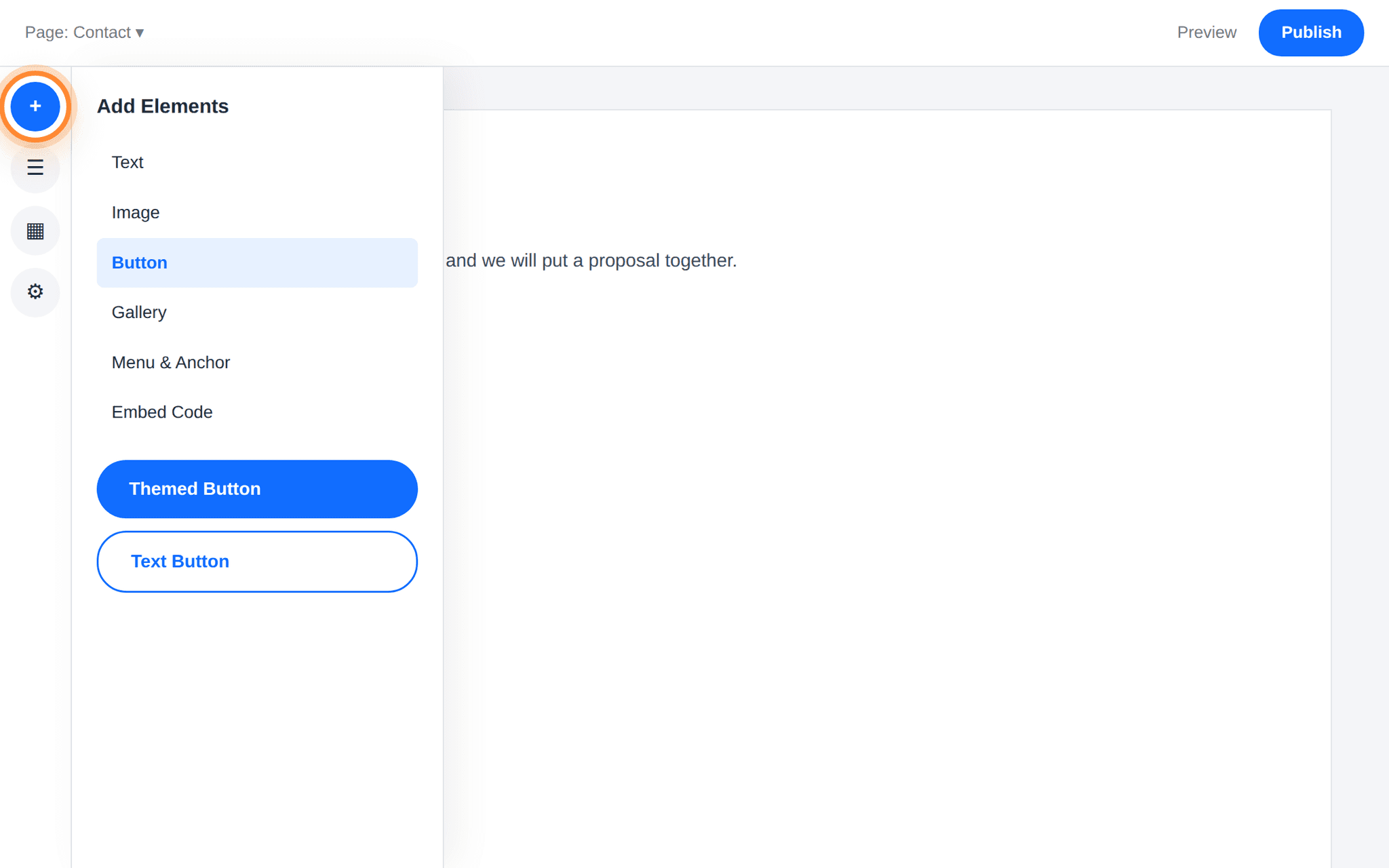
Add Elements is the + at the top of the left rail; Button is a category inside it. Set the text and the link
Double-click the button, set its text to something plain such as Request a proposal, then press Link. Choose Web address and paste your hosted form address. Set it to open in a new tab so the visitor keeps your page.
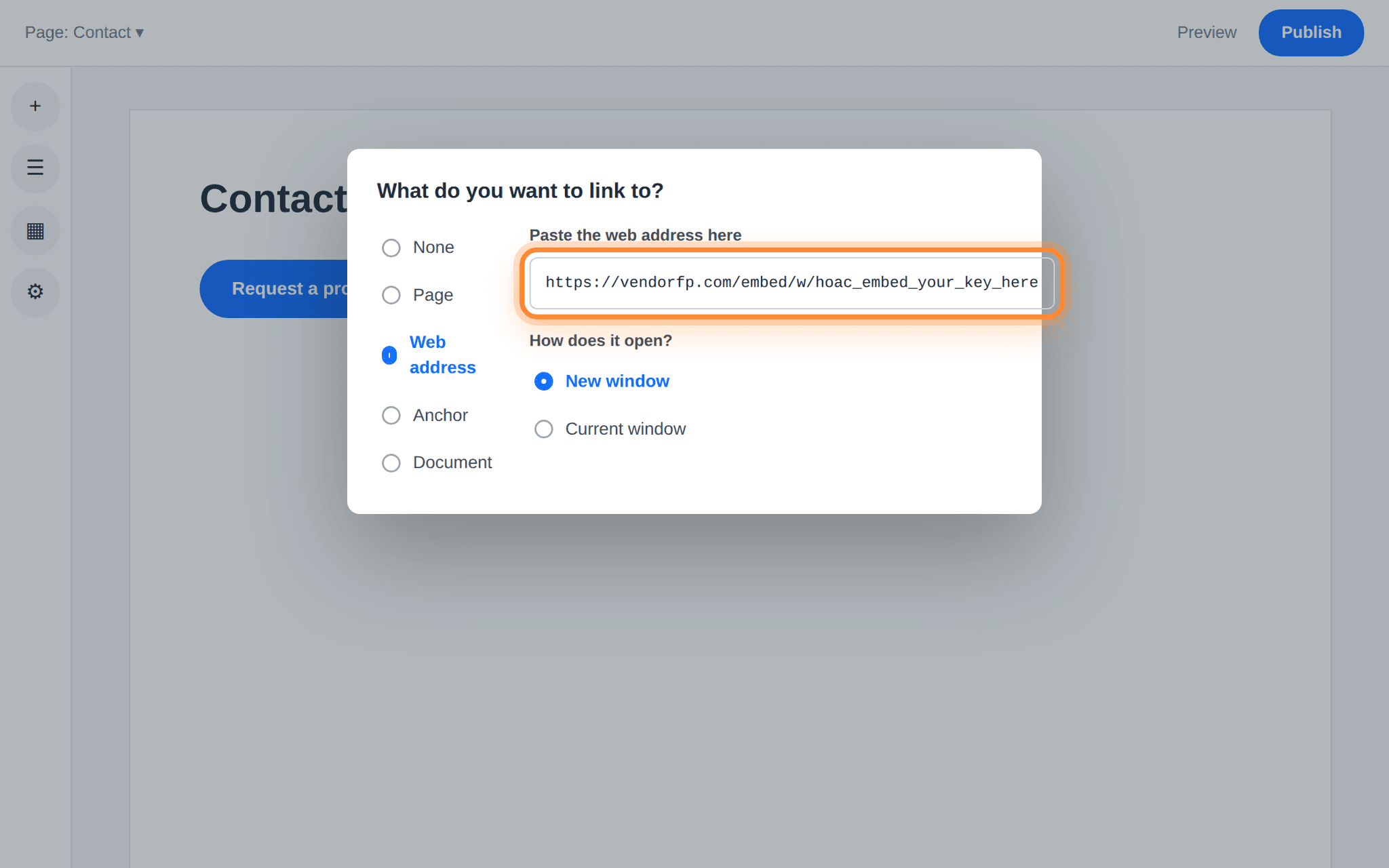
Web address is the third option down; the box beside it takes the whole address. What goes in the web address boxhttps://hoacrew.com/embed/w/vrfp_embed_your_key_here
Publish
Press Publish, then open your live site and press the button. The form opens, filled in and sent from there, and the request arrives in your dashboard.
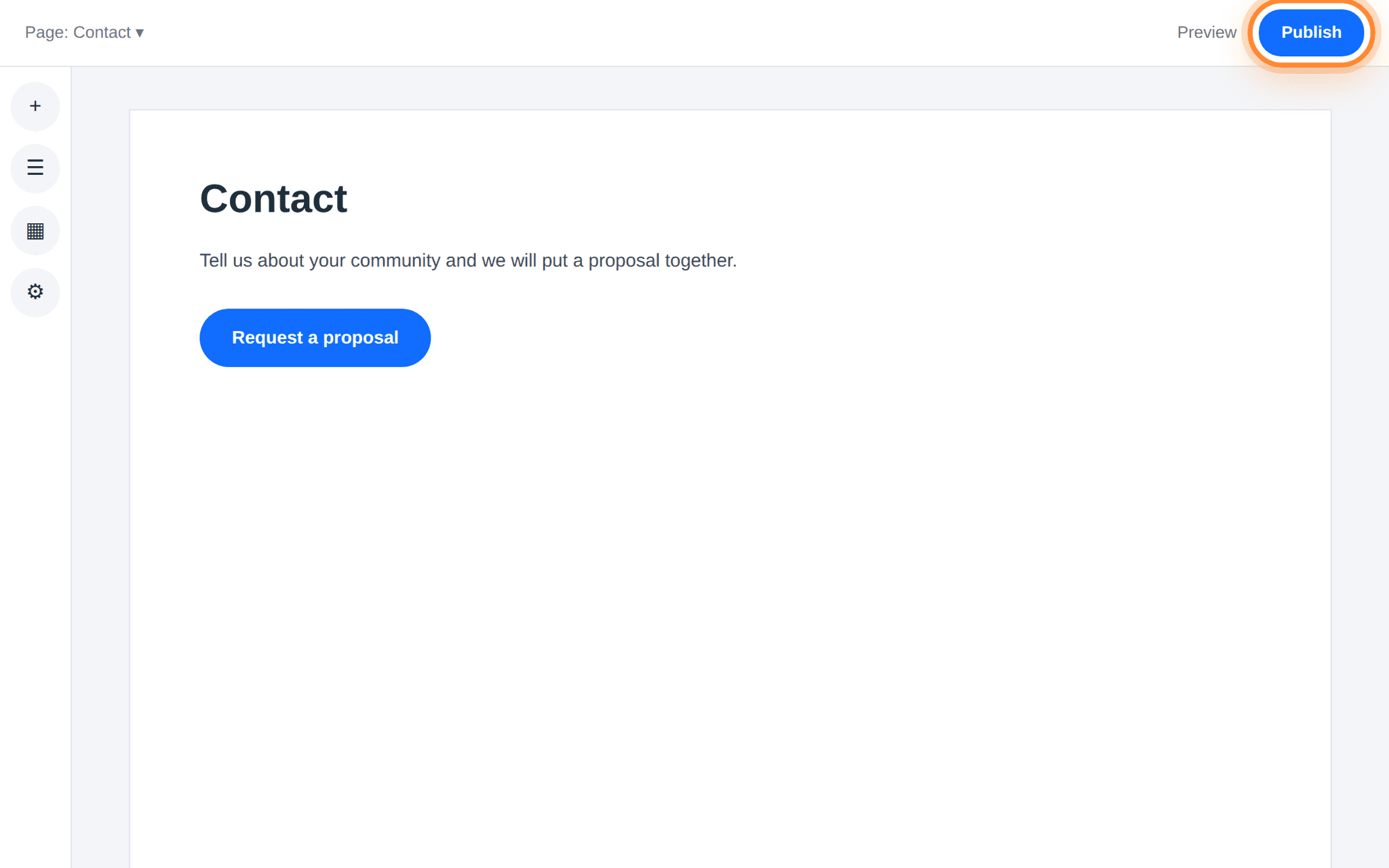
Publish is the top right of the editor. Nothing is live until you press it.
Why Wix is different from the others
Wix’s Embed HTML element does not put your code onto your page. It puts it inside a frame that Wix serves from a Wix web address, and your code runs in there. Wix works that way on purpose. It keeps a stray script on one site from interfering with the rest of the editor.
Our form is told which web addresses are allowed to display it, and browsers check that against every frame the form finds itself inside, not just the outermost page. Inside a Wix embed, the frame immediately around our form belongs to Wix, so your own address is not the one being checked.
The obvious workaround is to register the Wix address. We do not recommend it, because that address is shared with every other Wix site. A list of allowed addresses is only as good as who else is at those addresses, and putting a shared one on the list would mean your key working on sites that are nothing to do with you.
Wix Premium with your own domain is the exception.
If you paste the snippet anyway
Nothing breaks and no visitor sees an error. The loader waits a few seconds for the form, does not get it, and puts a working Request a proposal button in its place, pointing at the same hosted form. Somebody reading your page gets a working button either way, and their request still reaches you.
So pasting it costs you nothing: it is a longer route to the same button, with a few seconds of empty space before it appears. Adding the button yourself is the tidier version of the same outcome.
How to tell it worked
- Open your published site, not the editor preview, and press the button.
- The form opens as its own page with your company’s name on it. Fill it in and send it, taking more than a few seconds over it: a submission completed unusually fast is placed under suspected spam.
- Open Settings → Website plugin in your VendoRFP dashboard. Your test is in the list.
Nothing to register for the button.
If your site has a security policy
Most websites have no Content-Security-Policy and this section does not apply to them. If yours has one — a security plugin added it, your host sets it, or whoever built the site wrote one — it needs to allow two things from us:
script-src  https://hoacrew.com
frame-src   https://hoacrew.com
The first lets the loader script run. The second lets the form’s frame render. Allow the first and forget the second and you get a blank space where the form should be, with a line in the browser’s Console tab naming frame-src. Nothing else is needed: the form loads no fonts, no analytics and no other company’s code, so there is no third allowance hiding behind these two.
Wix gives you no place to write one, so on a standard Wix site this does not apply at all. The button route needs no allowances of any kind, because nothing of ours loads on your page.