Check which plan you are on
It is on the plugin page in your dashboard. Paste it here and every code example on this page carries it.
The plugin page is also where you list the web addresses your form is allowed to appear on, and it will not appear anywhere you have not listed. The overview walks through getting a key.
The Code block itself is on every Squarespace plan. What is not is the ability to run JavaScript or an iframe inside one. Squarespace lists that as Core, Plus, Advanced, and the legacy Business, Commerce Basic and Commerce Advanced plans. Our snippet is a script and a frame, so that is the line that matters.
The symptom is not a missing block.
Squarespace renamed its tiers, so a site bought recently is on Basic, Core, Plus or Advanced and an older one is on Personal, Business or Commerce. Basic and Personal are the two that cannot run the snippet. Your plan is under Billing in Squarespace settings, and their own page on code blocks states the rule if you want to check it against the source.
If you are on one of those two, skip to Add a button on any plan below. It puts the same form in front of the same visitor as a full page instead of one sitting inside yours, and it takes two minutes with no code at all.
Paste it into a Code block
This is the code. Replace vrfp_embed_your_key_here with the key from your dashboard. That is the only edit it needs.
<div data-vendorfp-proposal-form data-key="vrfp_embed_your_key_here"><a href="https://hoacrew.com/embed/w/vrfp_embed_your_key_here">Request a proposal</a></div>
<script src="https://hoacrew.com/embed/v1.js" async></script>
Two lines: where the form goes, and the script that loads it. The link inside the first line is a plain fallback for a visitor whose script never runs, cleared the moment it does. Its wording — Request a proposal — is yours to change; nothing else is affected.
Open the page and press Edit
In Pages, click the page you want the form on, then press Edit.
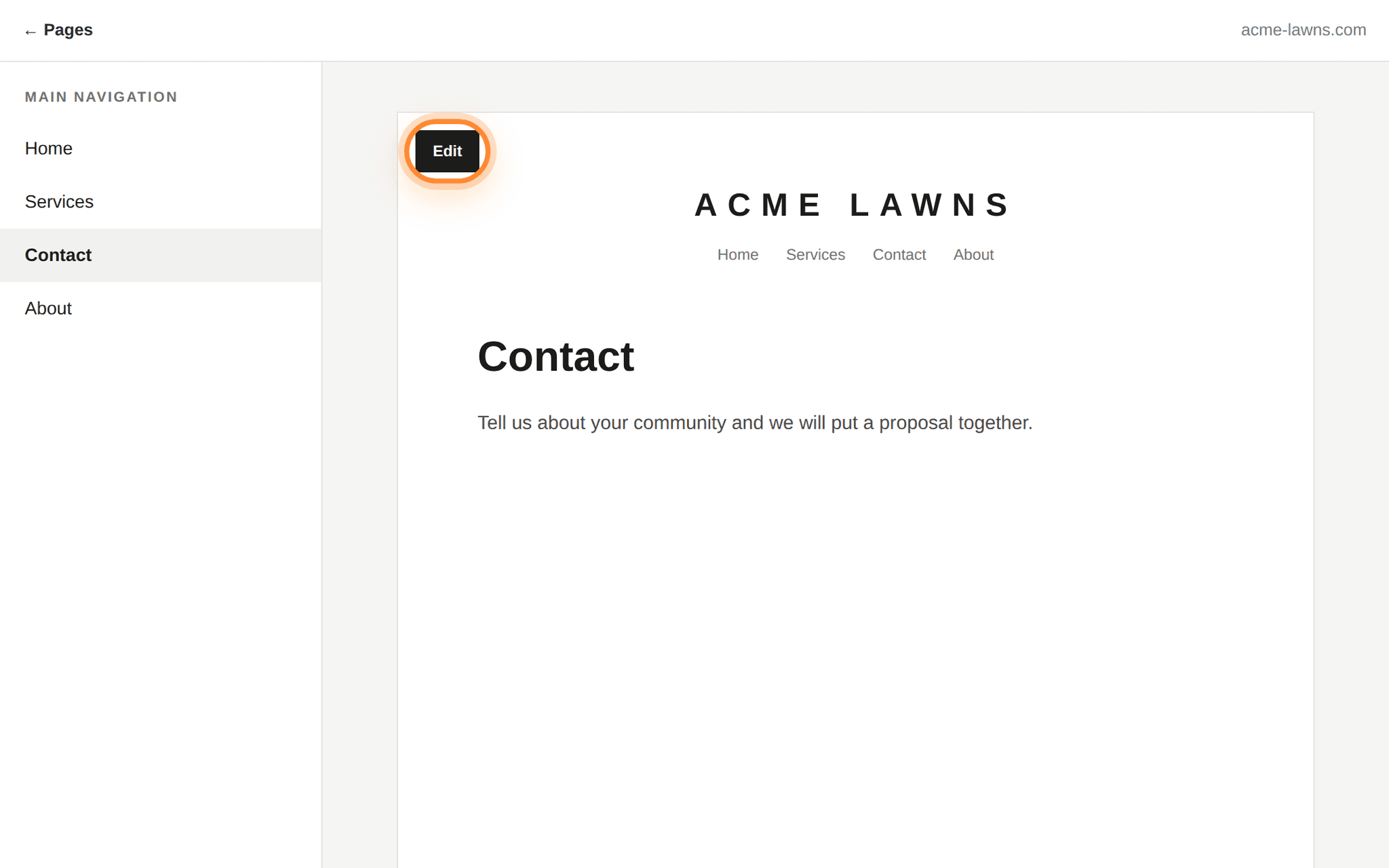
Edit appears over the top left corner of the page itself, not in the panel beside it. Add a Code block where you want the form
Hover where the form should go until the insert point appears, click it, and search the block list for Code.
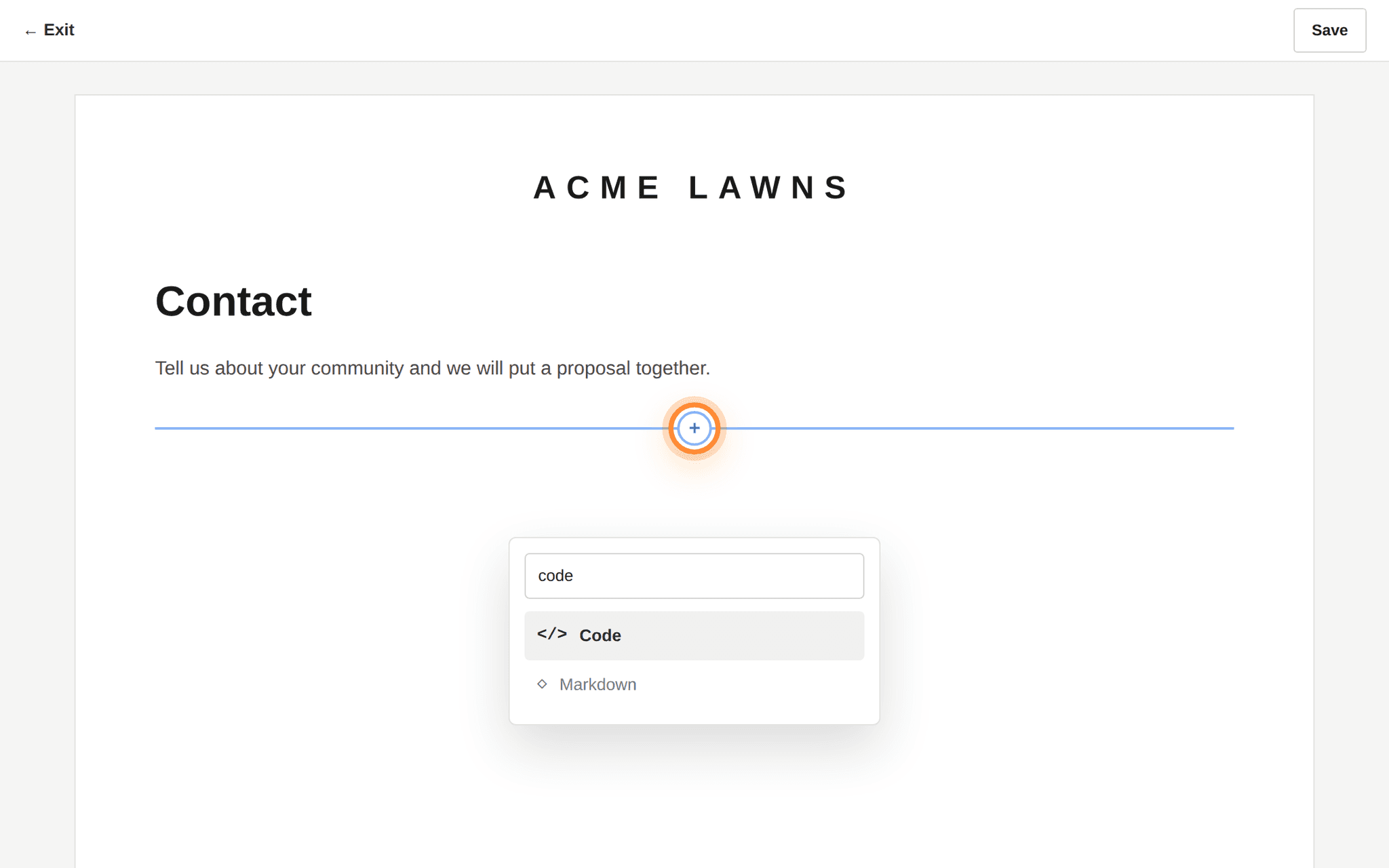
The insert point is the line that follows the pointer; its round + opens the block list. Replace the sample content
A new Code block arrives with a line of sample content in it. Select all of it, delete it, and paste the snippet in its place. Leave the mode set to HTML, and leave Display Source unticked. Ticking it shows your visitors the code instead of the form.
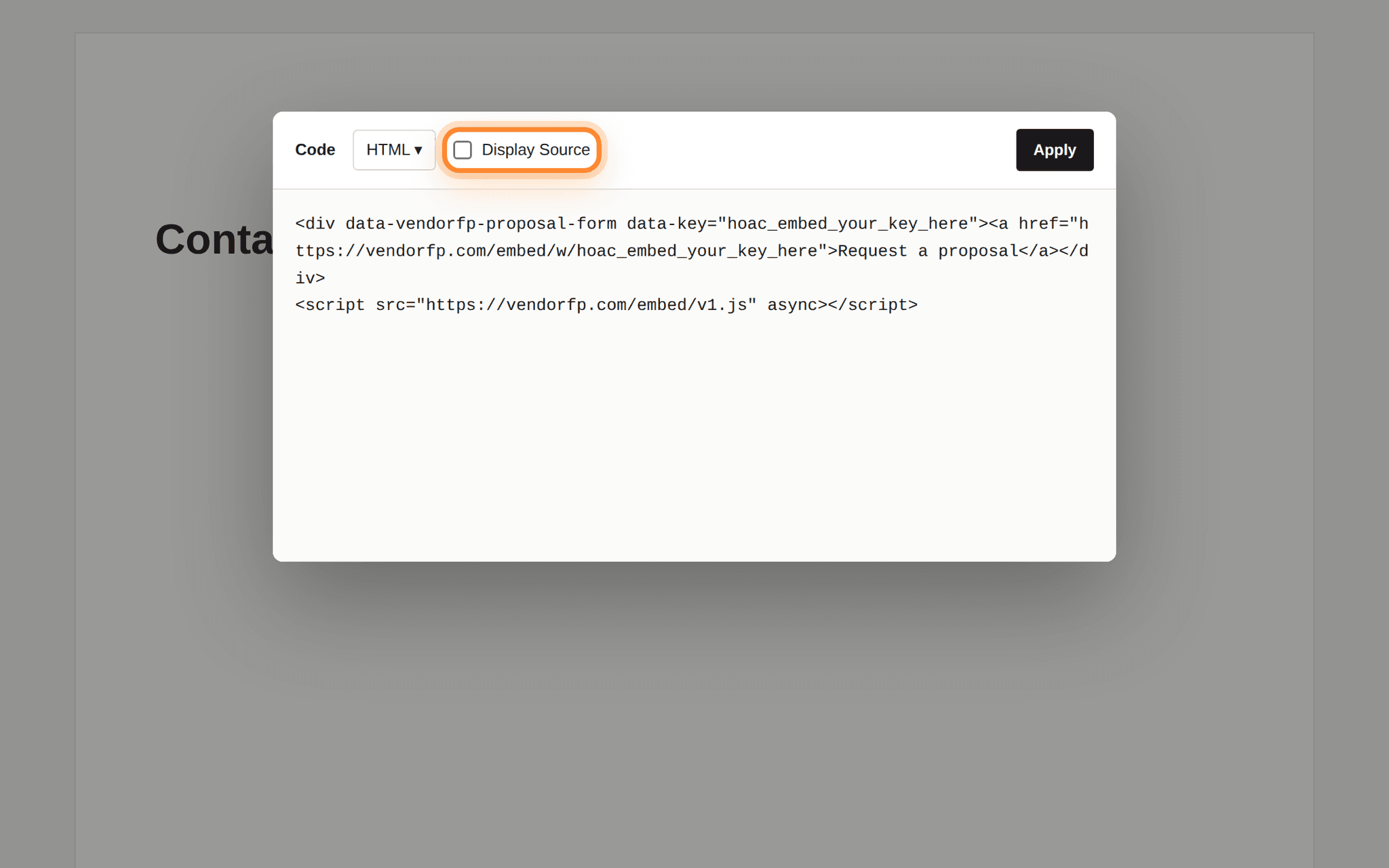
Display Source sits beside the HTML selector. Leave it unticked. Save, then open the live page
Press Save. The editor shows a grey placeholder where the block is, because Squarespace does not run embedded code inside the editor. That is expected. Open your site in a normal browser tab to see the form.
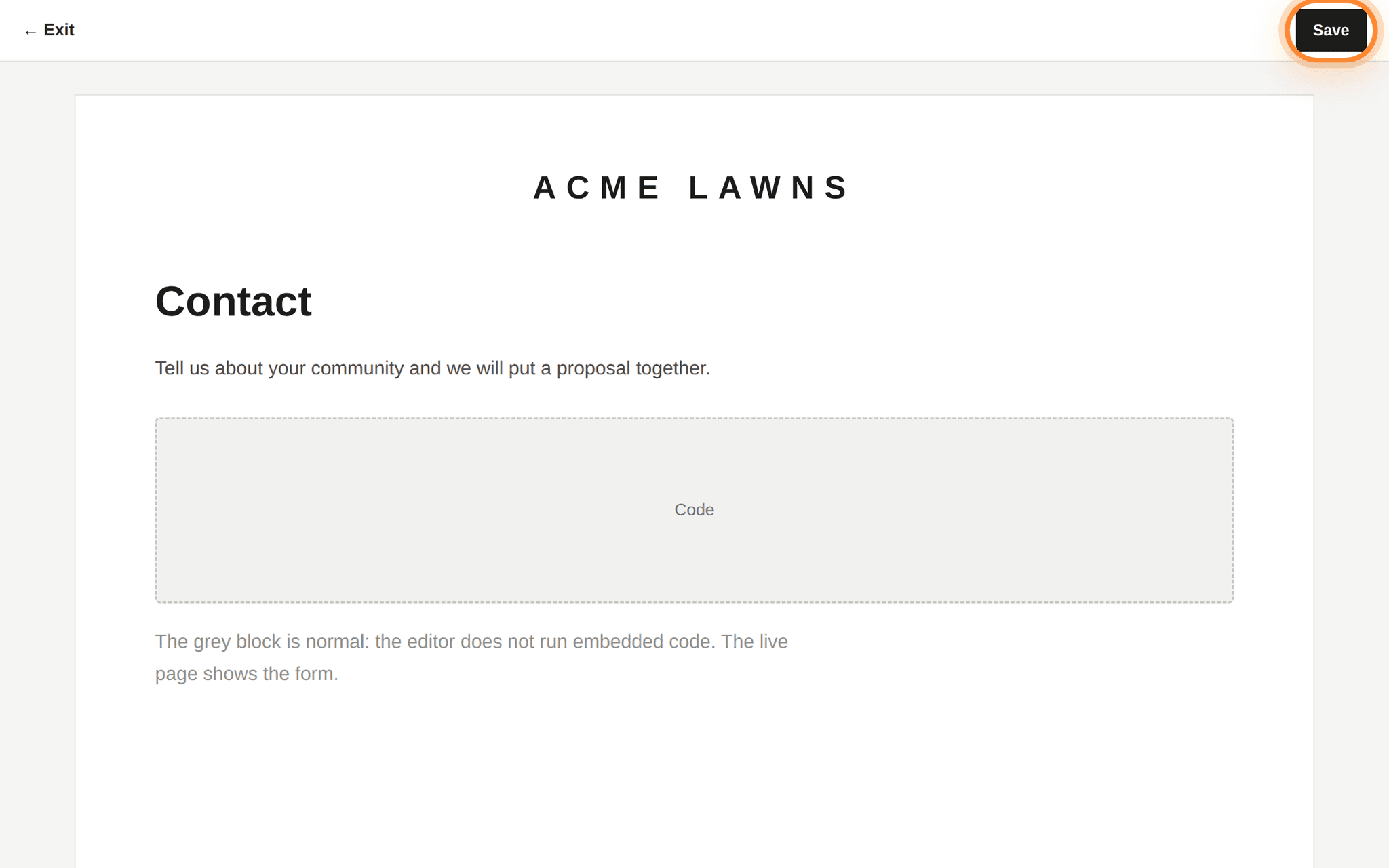
The grey block is the expected editor view. The form is on the live page.
Register both spellings of your address.
acme-lawns.com and www.acme-lawns.com are two different places. If your site answers on both, list both on the plugin page. The same goes for http:// against https://. This is the reason behind almost every form that never appears.How to tell it worked
- Open the live page in a normal tab, signed out of Squarespace if you can.
- The form is there with your company’s name on it. Send yourself a test, taking more than a few seconds over it. A submission completed unusually fast lands under suspected spam, not in the main list.
- Check Settings → Website plugin in your VendoRFP dashboard. Your test is in the list.
Squarespace trial and built-in addresses
oak-hollow-lawns.squarespace.com. That is a different address from your real domain, so if you want to test before launch, add it to the plugin page too. Remove it once you are live.If your site has a security policy
Most websites have no Content-Security-Policy and this section does not apply to them. If yours has one — a security plugin added it, your host sets it, or whoever built the site wrote one — it needs to allow two things from us:
script-src  https://hoacrew.com
frame-src   https://hoacrew.com
The first lets the loader script run. The second lets the form’s frame render. Allow the first and forget the second and you get a blank space where the form should be, with a line in the browser’s Console tab naming frame-src. Nothing else is needed: the form loads no fonts, no analytics and no other company’s code, so there is no third allowance hiding behind these two.
Squarespace does not give you a place to write one, so on a standard Squarespace site this section does not apply. It matters only if your domain sits behind something you added yourself, such as a Cloudflare rule, that adds headers on the way out.
Add a button on any plan
Every key also has a plain web address that opens the same form as a full page. Put it behind any button, in an email signature, on a Google Business profile, or on a page you cannot add code to.
https://hoacrew.com/embed/w/vrfp_embed_your_key_here
It is the same form, sending to the same place, and requests from it arrive in your dashboard exactly like the ones from the embedded version.
- Edit the page, add a Button block where you want it.
- Set the button text to something plain, such as Request a proposal.
- For the link, choose External and paste your hosted form address.
- Tick Open in new window so the visitor keeps your page, then Save.
https://hoacrew.com/embed/w/vrfp_embed_your_key_here